Best Vector Database: Choosing for Search, RAG, and AI Memory

Ask five developers what the best vector database is and you'll probably get five different answers.
Products that were once grouped together as "vector databases" now range from fully managed services and distributed open-source systems to database extensions, embedded stores, and ANN libraries.
Choosing the most suitable option has to start from your retrieval workload: how much data you have, how frequently it changes, which filters and search modes queries require, where the infrastructure runs, and how much database operation you want to own.
In this guide, we'll compare the leading platforms by their deployment models, retrieval capabilities, current 2026 pricing, scaling approaches, and where they all make sense for semantic search, RAG, recommendations, and AI memory.
Recapping the Basics: What a Vector Database Actually Does
Vector databases store embeddings of ingested data and index them for similarity search. An embedding model converts text, images, code, or other files into numerical vectors that capture semantic patterns of the information from the source material.
When a query is submitted, it's embedded in the same way, and nearest-neighbor search then finds the stored vectors closest to the query in the high-dimensional vector space.
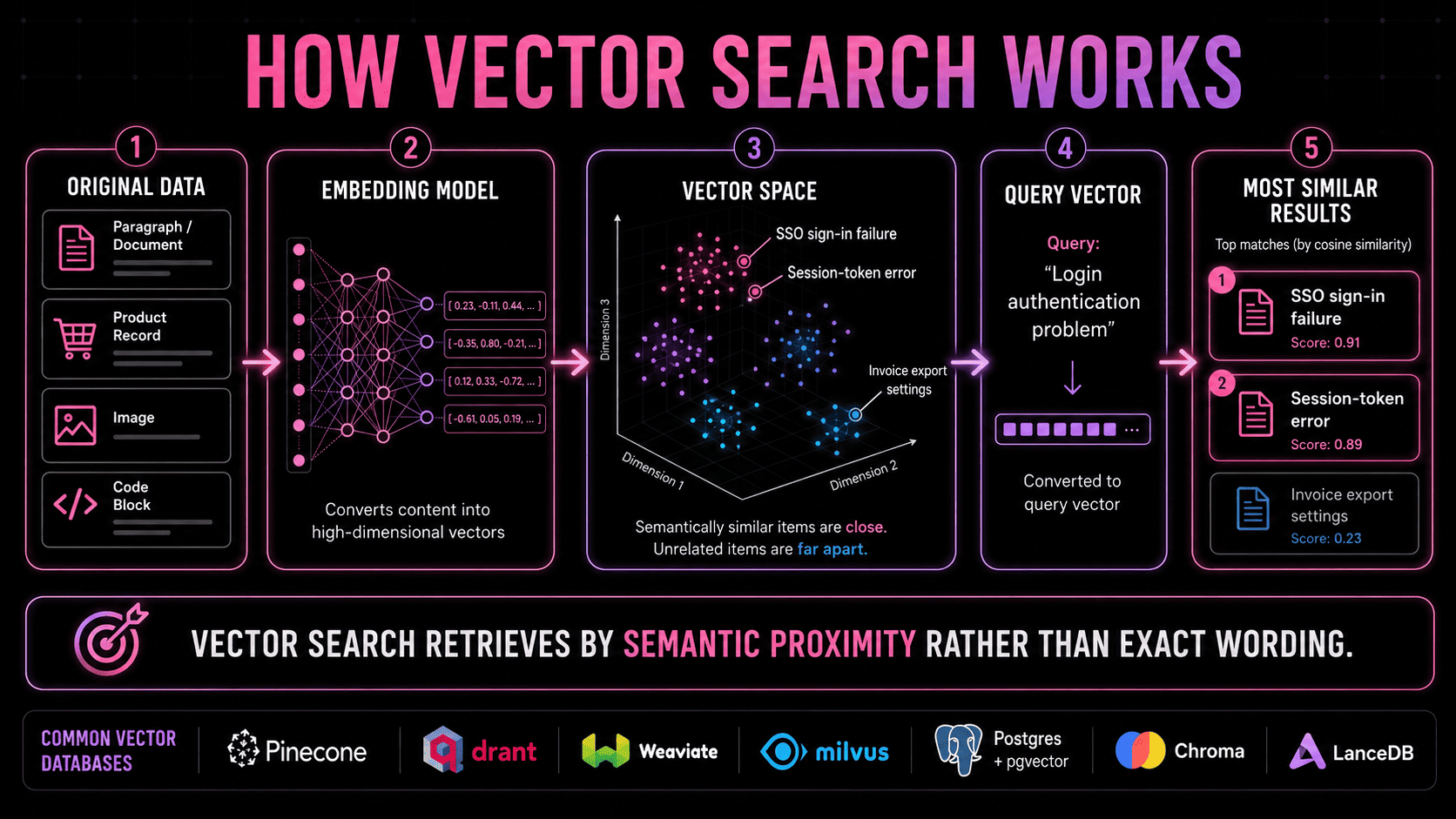
Here's a quick refresher for a few terms that get used interchangeably but mean different things:
- A vector is the numerical representation of information.
- An embedding model creates that representation.
- A vector index makes nearest-neighbor search efficient.
- A vector store holds vectors and makes them retrievable.
- A vector database adds capabilities such as filtering, updates, persistence, scaling, and operational controls around the retrieval layer.
Retrieval quality depends on more than the database's vector engine — chunking, embedding choice, metadata, filtering, reranking, and context assembly all play a role, as covered later in this guide.
What Determines the Right Vector Database?
A vector database isn't better because it ranks higher in a comparison table or is mentioned more often in tutorials, but when it fits the specific retrieval job. Here are the five questions that narrow the scope before benchmarking begins:
1. How large is the retrieval workload?
A prototype with 50,000 embedded chunks has very different infrastructure requirements from a system searching hundreds of millions or billions of vectors. Larger datasets and higher traffic put more pressure on index memory, filtering performance, concurrency, replication, storage, and query latency.
2. Where does the database need to run?
A managed service can take care of much of the infrastructure work. Open-source deployments offer more control over networking, configuration, and data location. Requirements such as private cloud, VPC, BYOC, on-premises infrastructure, or air-gapped deployment can remove several options from the shortlist immediately.
3. What does retrieval need beyond vector similarity?
Production search frequently combines vectors with metadata filters, keyword matching, reranking, access controls, and regular updates or deletions. Performance on an unfiltered nearest-neighbor benchmark says little about how the same database will behave when those conditions become part of every query.
4. What already exists in the stack?
Adding another database also adds synchronization, monitoring, security, and operational overhead. pgvector can be attractive when the data is already stored in PostgreSQL, as can Redis, Elasticsearch, OpenSearch, or MongoDB when semantic retrieval belongs beside data those systems already manage.
A dedicated vector database becomes easier to justify when retrieval needs separate scaling, indexing, availability, or deployment characteristics.
5. What workload is the database serving?
Semantic search, recommendations, RAG, and agent memory need different things from the retrieval layer. RAG often depends heavily on filtering, hybrid search, source references, and stable latency. Recommendation systems can put more pressure on throughput and frequent updates. Agent memory introduces persistent context, provenance, and relationships that extend beyond vector retrieval.
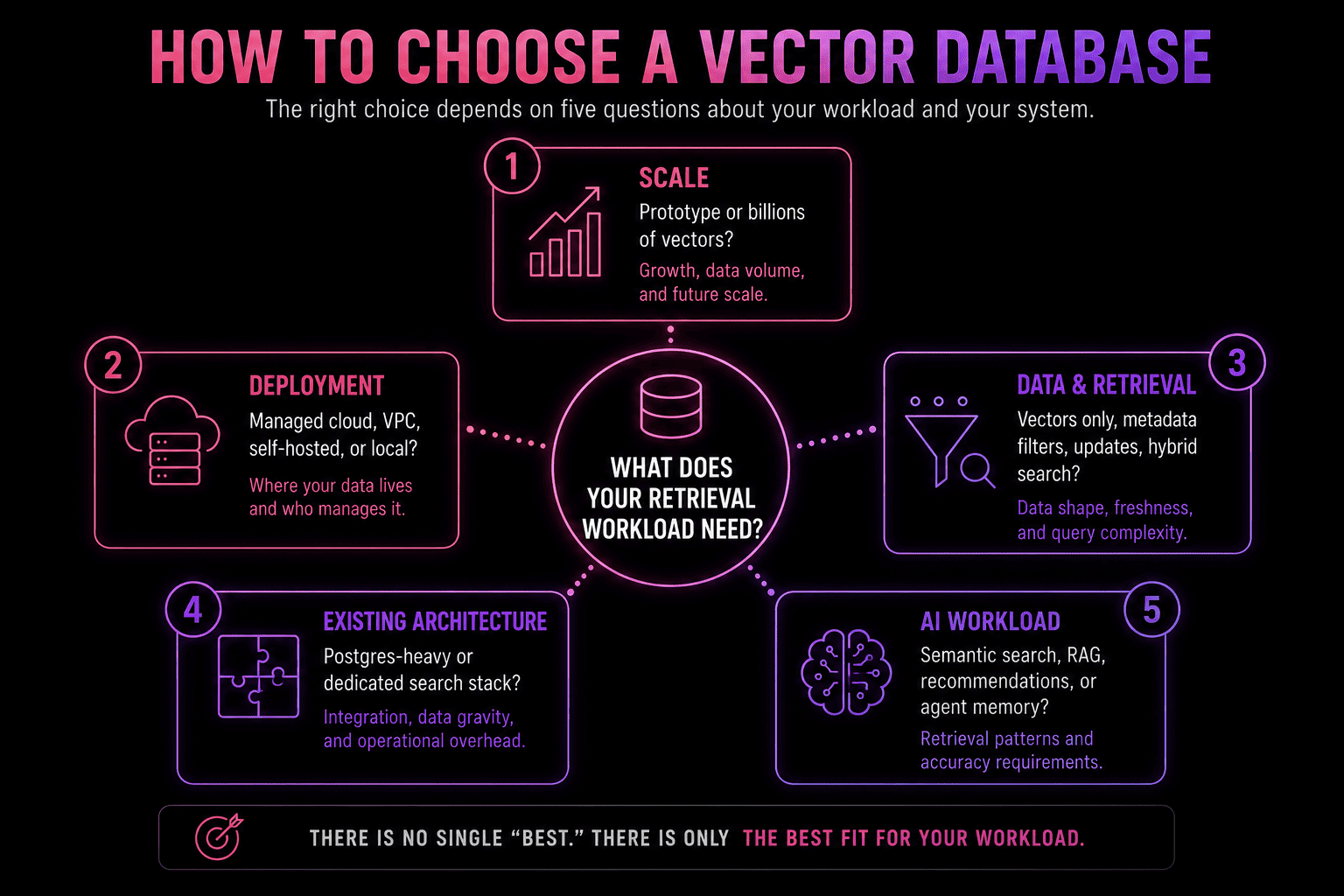
Applying these five constraints is likely to remove several candidates before a detailed performance comparison.
2026 Pricing and Scale Snapshot
Vector database pricing can't be reduced to one comparable monthly figure. Pinecone charges for storage and operations, turbopuffer bills for storage, writes, and queried data, Qdrant prices provisioned resources, and pgvector inherits the cost structure of the PostgreSQL deployment underneath it.
Published scale figures are also contextual. A vector count can represent a service quota, a recommended deployment tier, or an approximate hardware envelope, and those figures shouldn't be treated as equivalent performance limits.
The figures below reflect public pricing and vendor documentation as of August 2026. Region, vector dimensions, metadata, replication, compression, traffic, and support requirements can all change the actual cost.
| Option | Public entry pricing | Billing model | Published scale reference |
|---|---|---|---|
| Pinecone | Starter — free; Builder $20/month; Standard $50 minimum; Enterprise $500 minimum | Storage, read units, write units, egress; dedicated read capacity available | Serverless storage scales independently from query compute; Standard and Enterprise include 100,000 namespaces per index by default |
| turbopuffer | Launch $16 minimum; Scale $256 minimum; Enterprise $4,096+ | Storage, writes, data queried, optional pinned capacity | Up to 1 TB per index; sharded namespaces extend to 256 TB, with a soft limit of 500M documents per shard |
| Qdrant | Free cluster with 0.5 vCPU, 1 GB RAM, 4 GB disk | Provisioned CPU, RAM, disk, backups | Roughly 100M vectors on one node under suitable dimensions and resource settings; horizontal scaling through shards and replicas |
| Weaviate | Free; Flex from $45/month; Premium from $400/month | Vector dimensions, storage, backups, deployment type | No universal vector-count ceiling; collections scale through sharding and replication |
| Milvus / Zilliz Cloud | Milvus OSS — free; Zilliz free cluster with 5 GB and 2.5M vCU/month | Zilliz Serverless uses vCU; Dedicated uses provisioned compute plus storage and transfer | Milvus Lite: a few million; Standalone: ~100M; Distributed: 100M to tens of billions |
| PostgreSQL + pgvector | pgvector — free; cost comes from PostgreSQL | Postgres compute, RAM, storage, replicas, backups | No universal ceiling; scale depends heavily on index choice, dimensions, filters, quantization, and Postgres architecture |
| Chroma Cloud | $5 introductory credits | $2.50/GiB written, $0.0075/TiB queried, $0.09/GiB returned, $0.33/GiB-month stored | Default cloud quotas include 5M records per collection and 1M collections |
| LanceDB | OSS — free; Enterprise — contact sales | OSS infrastructure cost; private Enterprise pricing | Enterprise targets 100B+ row workloads |
This table is just a comparison of economic models and scaling paths and can't be used as a predictor of which system will perform best for a specific application. Ten million small, quantized vectors with light filtering create a very different workload from ten million high-dimensional vectors with large metadata payloads, replicas, and heavy concurrent querying.
The platform profiles covered in the next section explain the architecture behind those differences.
Choosing the Right Vector Architecture
Vector databases differ in how they store data, allocate compute, process filters and hybrid queries, and divide operational responsibility between the provider and the developer.
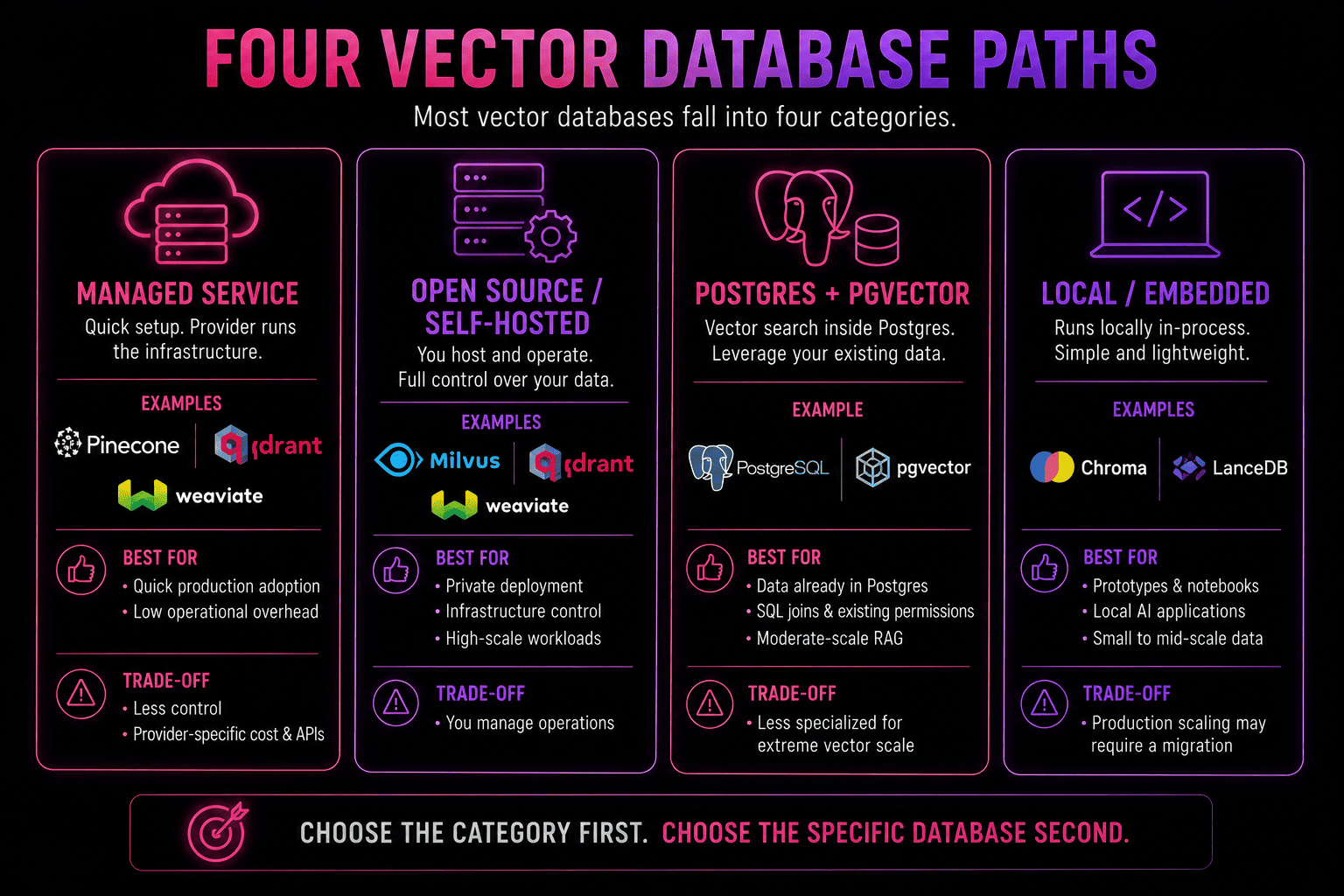
Fully managed vector services
Pinecone and turbopuffer both provide managed retrieval without requiring developers to operate database clusters — but their storage, query, and billing architectures are quite different.
Pinecone: Managed retrieval with separate read and write paths
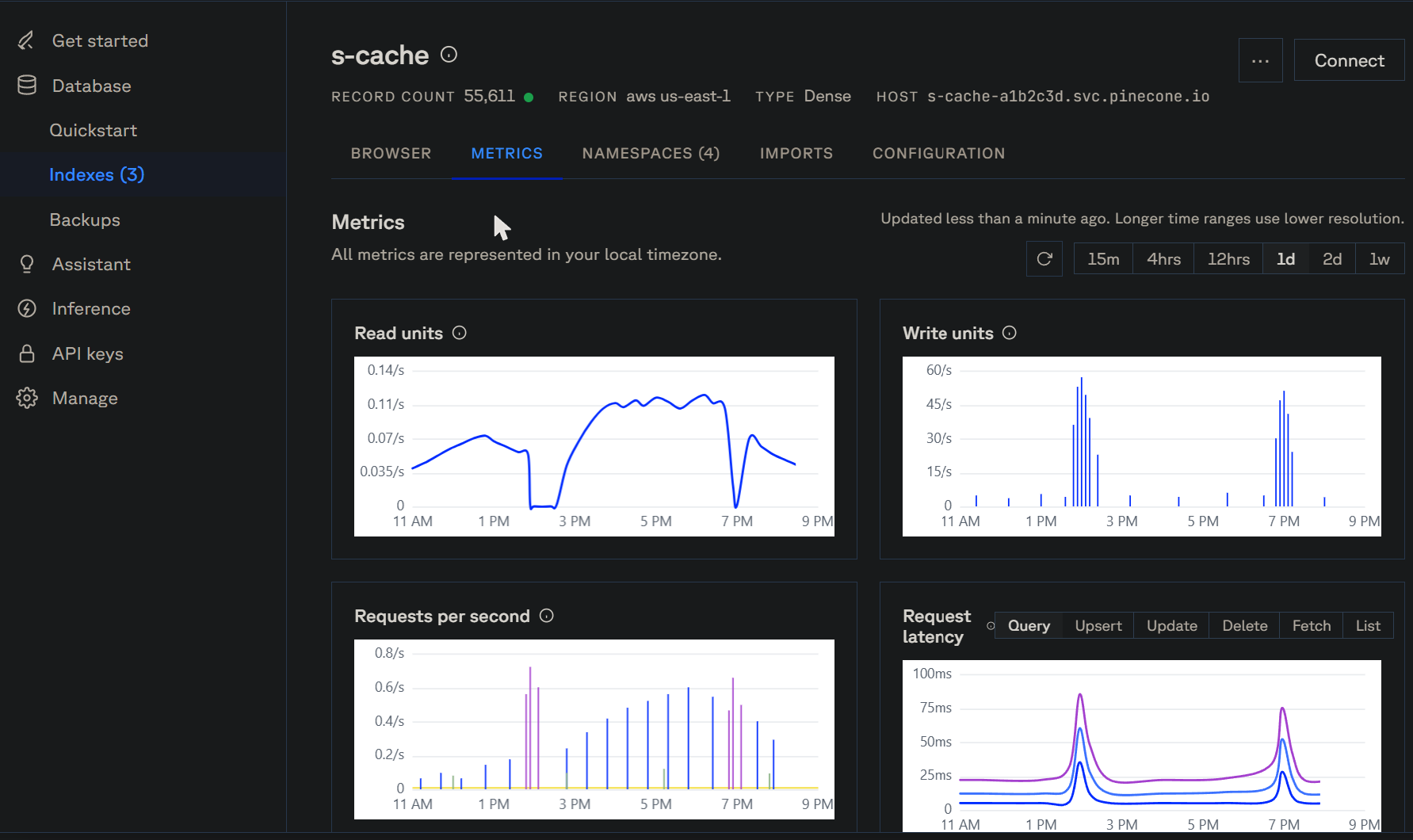
Pinecone's serverless architecture keeps durable vector data in distributed object storage and separates the write and read paths. Writes are logged and indexed asynchronously, and reads run through independently scaled query infrastructure. Read capacity can therefore grow without being tied directly to ingestion resources.
There are two read models. On-demand indexes use shared read capacity, and dedicated read nodes reserve memory, SSD, and compute for sustained workloads that require tighter latency and throughput.
Retrieval supports dense and sparse vectors, metadata filtering, hybrid search, reranking integrations, and namespace-based multitenancy. Every query targets a namespace, which lets multitenant applications separate tenant data and limit how much of an index each search touches.
Pinecone also offers BYOC in public preview, with the data plane running inside the customer's cloud account and Pinecone managing the control plane.
Good for: production RAG, semantic search, recommendations, and multitenant applications where the provider should handle most database operations.
But: sustained read-heavy workloads need closer cost modeling, and dedicated read capacity introduces explicit capacity planning in exchange for more predictable performance.
turbopuffer: Object-storage-first retrieval for large or irregular workloads
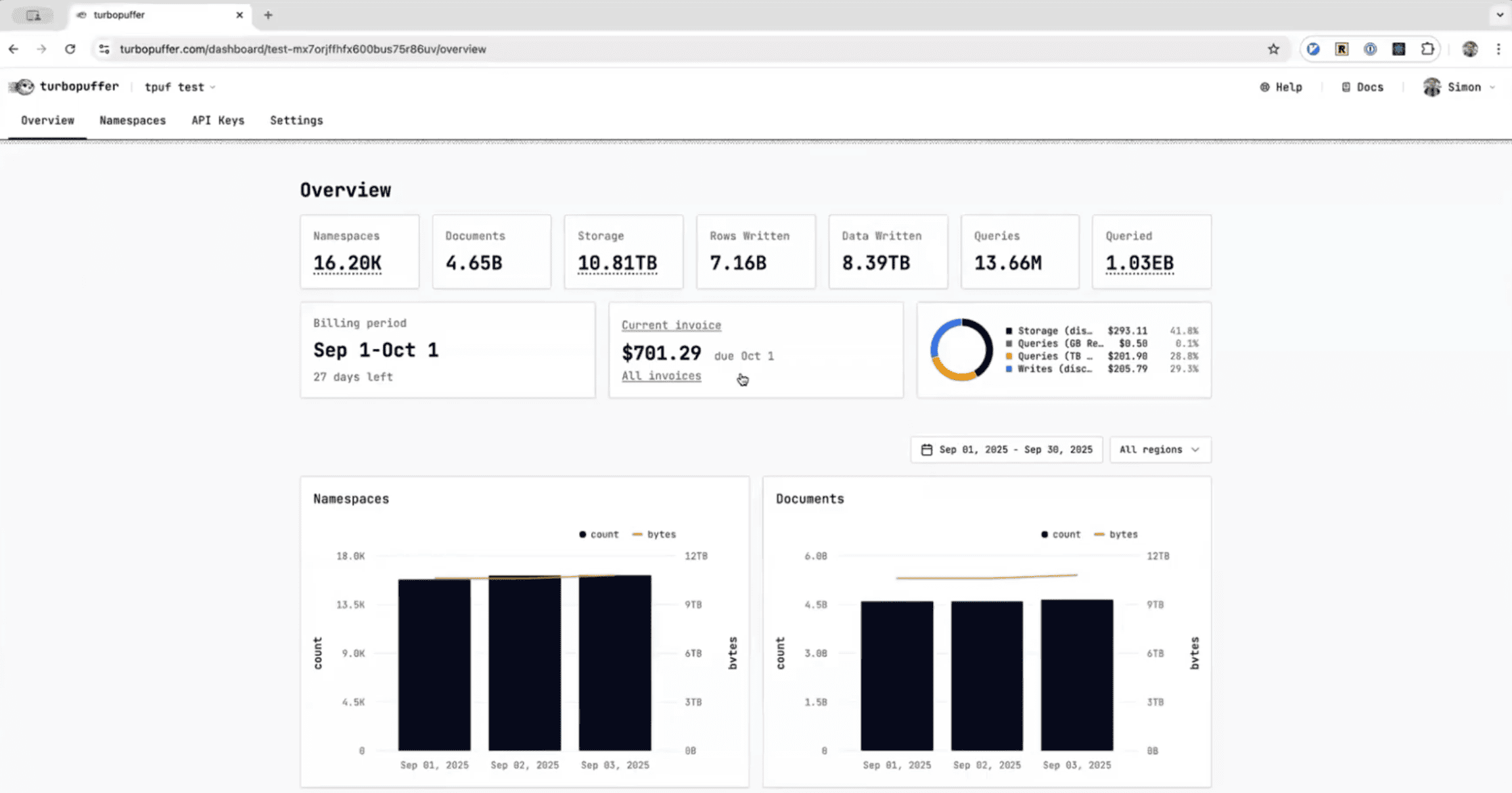
turbopuffer places object storage at the center of its database architecture. Durable data is stored there, and stateless query nodes use memory and NVMe SSD caches for frequently accessed namespaces. Query nodes can serve any namespace, so collections aren't permanently attached to fixed machines.
Access patterns affect latency because uncached queries can require object-storage reads, with subsequent queries benefiting from local caching. Frequently accessed data can also be warmed or pinned when tighter latency is required.
The retrieval layer supports dense vectors, BM25 full-text search, sparse vectors, metadata filtering, aggregations, multi-vector ranking, and hybrid search with rank fusion. Semantic and exact-term retrieval can therefore share the same query pipeline.
turbopuffer pricing follows storage, writes, and the amount of data queried. Large datasets with uneven traffic can benefit from that model because the entire index doesn't have to stay in memory continuously. Namespace sharding extends the architecture to much larger collections, and higher-tier deployments add private networking and BYOC options.
Good for: large or irregular workloads where object-storage economics and hybrid retrieval are central requirements.
But: applications with strict latency targets should account for cold access, and very large sharded namespaces can increase fan-out and tail latency.
Purpose-built open-source databases with managed paths
Qdrant, Weaviate, and Milvus all pair open-source databases with managed services. Their technical emphasis differs: Qdrant is heavily oriented toward filtered retrieval, Weaviate combines semantic and lexical search in a broader retrieval layer, and Milvus provides a progression from local development into large distributed deployments.
Qdrant: Filter-aware retrieval and flexible deployment
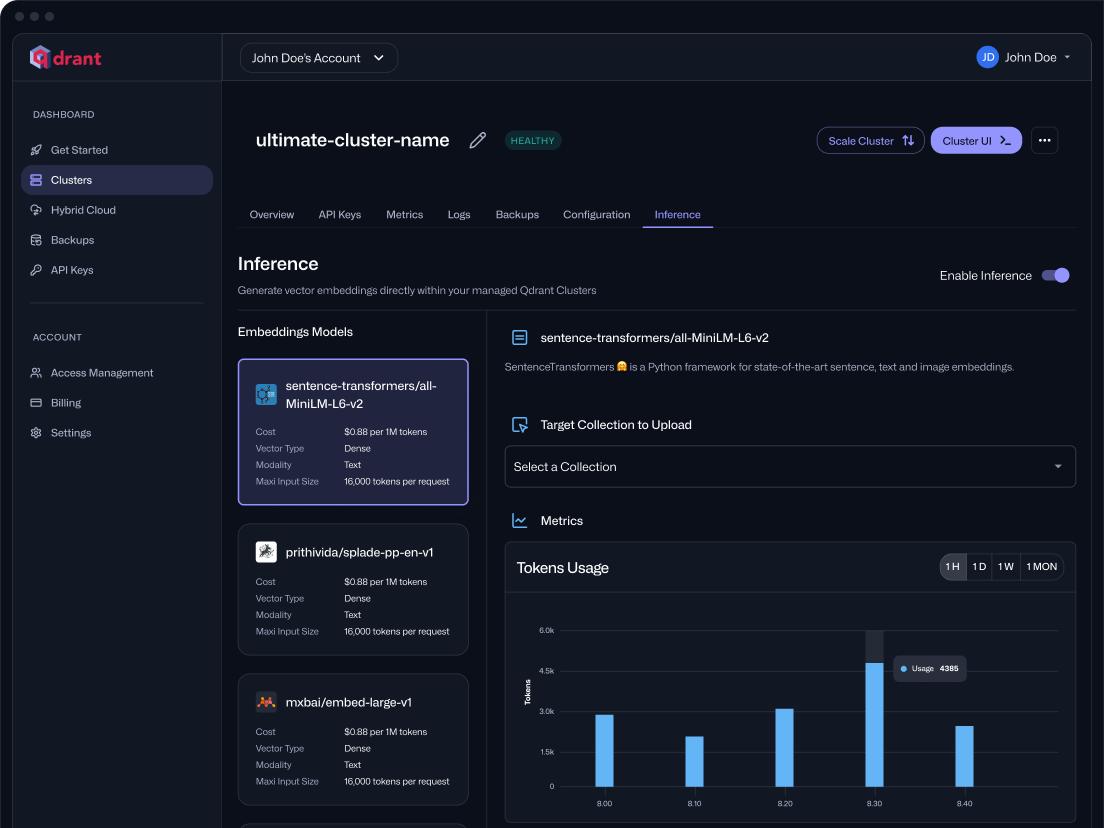
Qdrant is well suited to workloads where metadata filters are part of most searches.
Vectors are stored alongside structured JSON payloads, and payload indexes give the query planner information it can use to estimate filter cardinality and select a search strategy. That is especially relevant for RAG, recommendations, and multitenant applications where queries routinely include conditions such as customer, document type, date, or access level.
Qdrant supports dense vectors, sparse vectors, named vectors, and multivectors within the same collection. Multivectors can support late-interaction retrieval patterns such as ColBERT, and the query API can combine multiple retrieval stages with filtering and rescoring.
Memory use can be tuned through on-disk storage and scalar, product, and binary quantization. Quantized candidates can be rescored against the original vectors when higher precision is required.
Deployment options span open-source self-hosting, Qdrant Cloud, and customer-controlled deployment options for Kubernetes and private infrastructure.
Good for: filter-heavy RAG, recommendations, multitenant retrieval, and applications that need dense, sparse, or multivector search with flexible deployment options.
But: production sizing depends heavily on vector dimensions, payload indexes, compression, and storage configuration, while distributed self-hosting adds responsibility for shards, replicas, backups, and upgrades.
Weaviate: Hybrid search as a broader retrieval layer
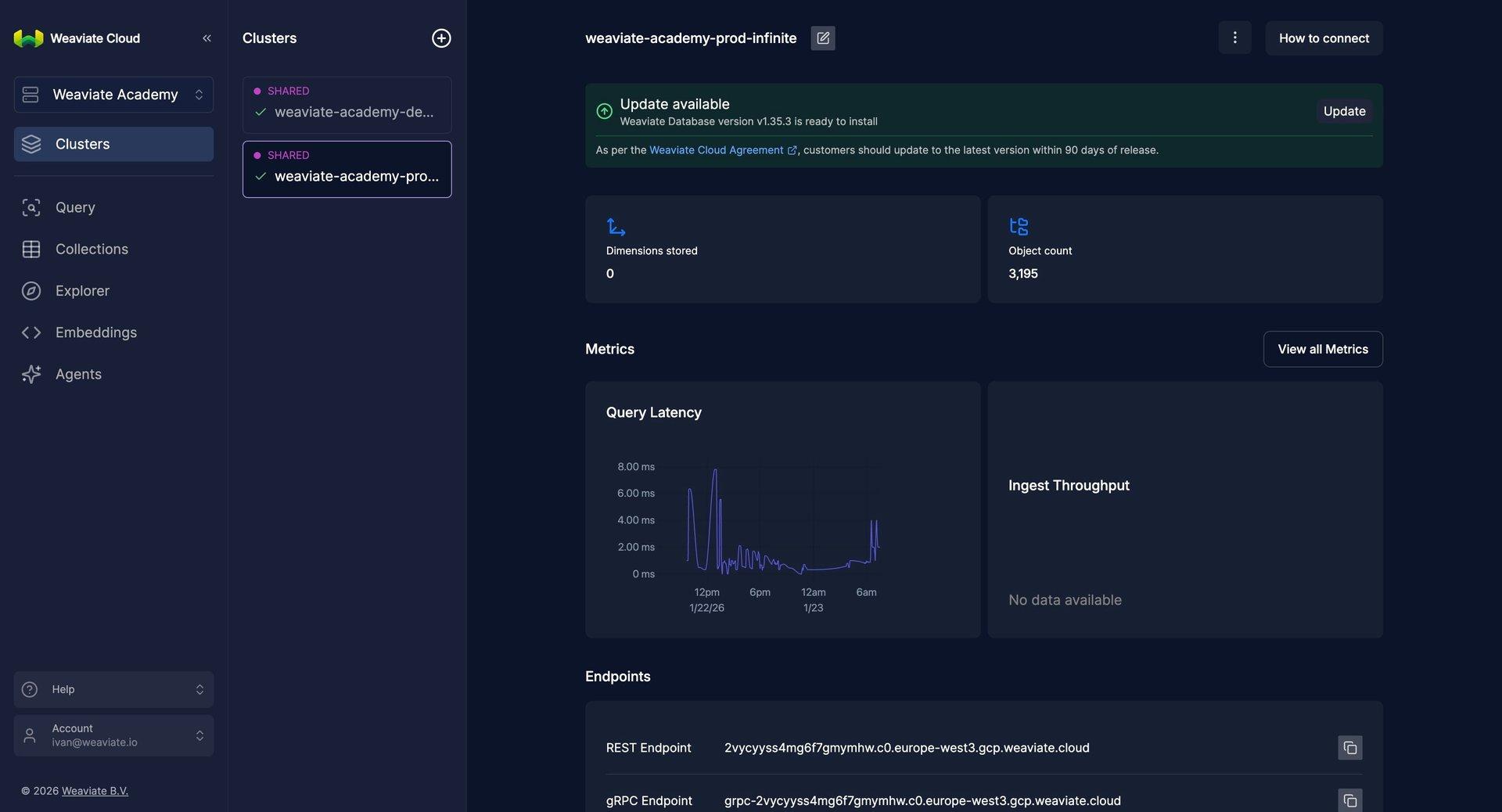
Weaviate combines vector retrieval with structured objects, metadata filters, BM25 keyword search, and reranking inside the same database.
Its hybrid search runs vector and BM25 retrieval together and combines their rankings through configurable fusion. This works well for search products where exact terms and semantic similarity both contribute substantially to relevance.
Developers can choose among HNSW, flat, dynamic, and HFresh vector indexes depending on dataset size and memory constraints. Compression can reduce the vector footprint further.
Collections scale horizontally through sharding and use replication for availability and additional read capacity. In multi-tenant collections, tenant data is separated into shards, which can work well for SaaS products and knowledge-search applications with many independent datasets.
Weaviate is available through Weaviate Cloud and self-managed deployments, including Docker, Kubernetes, and cloud-provider infrastructure.
Good for: RAG and search applications that need vector retrieval, BM25, metadata filtering, structured objects, and reranking in the same retrieval layer.
But: its broader feature set comes with more configuration around indexing, compression, sharding, replication, and hybrid-search weighting.
Milvus and Zilliz Cloud: From local development to distributed scale
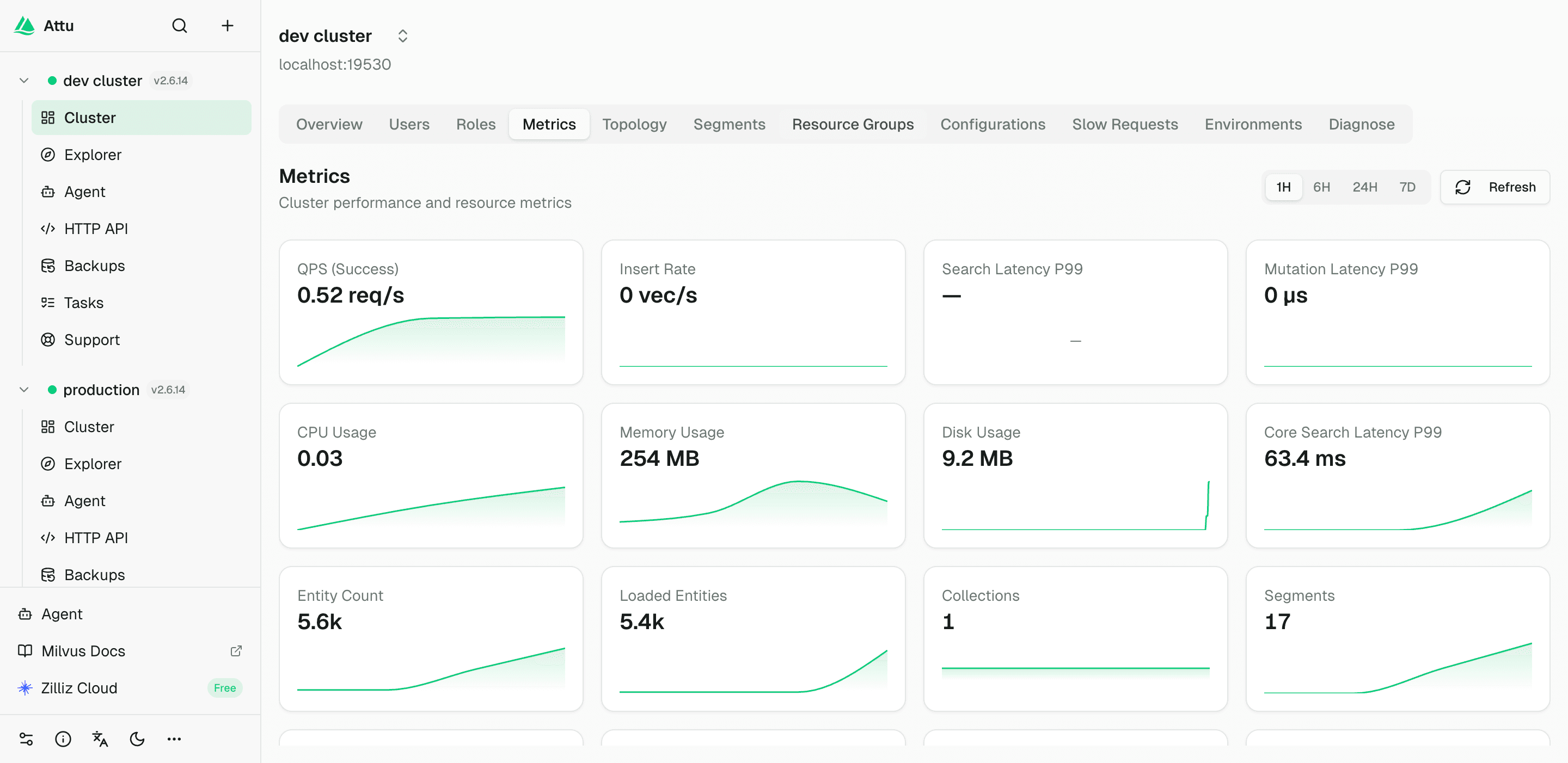
Milvus spans several deployment sizes through a consistent client ecosystem. Its deployment options range from Milvus Lite and Milvus Standalone to Kubernetes-based Milvus Distributed.
Milvus Lite runs locally through pymilvus, Milvus Standalone packages the database for a single server, and Milvus Distributed separates ingestion and query workloads across a cloud-native cluster. Applications can progress from local development into much larger infrastructure without replacing the client API.
Milvus supports dense, sparse, and binary vector fields, metadata-filtered vector search, and multi-vector hybrid search. Distributed deployments provide additional control over resource allocation as ingestion and query workloads grow.
The distributed version also introduces Kubernetes, multiple services, replicas, storage configuration, monitoring, and cluster maintenance. That is a significantly larger operational commitment than Lite or Standalone.
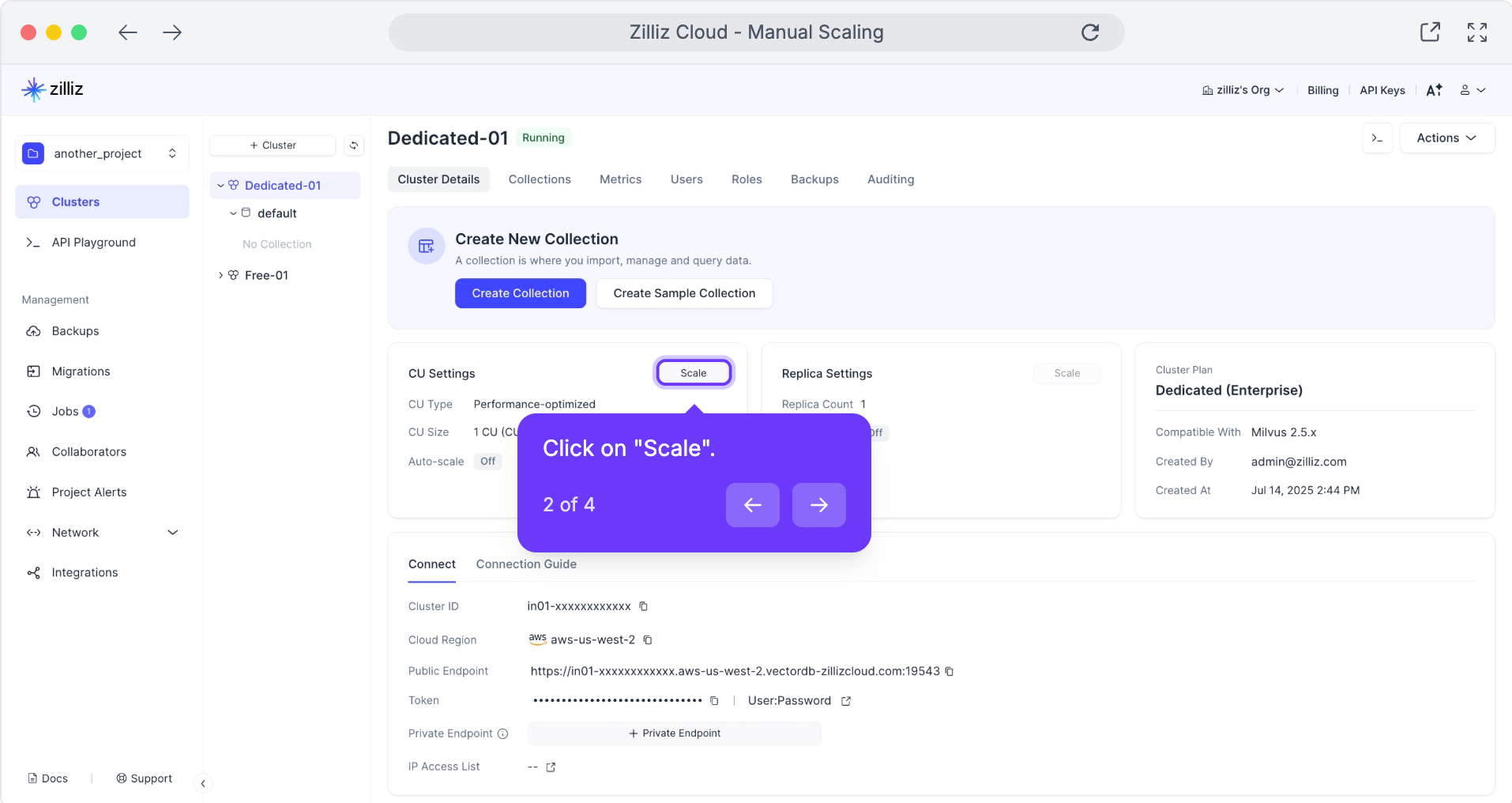
Zilliz Cloud provides the managed path for the Milvus ecosystem. Its Serverless and Dedicated cluster models provide different approaches to usage-driven and reserved compute.
Good for: large vector workloads that need a path from local development to distributed infrastructure, particularly when horizontal scaling and deployment control are priorities.
But: moving to Milvus Distributed introduces a much larger operational footprint, while Zilliz Serverless and Dedicated have different cost characteristics that need workload-specific testing.
PostgreSQL with pgvector: Vector search inside PostgreSQL
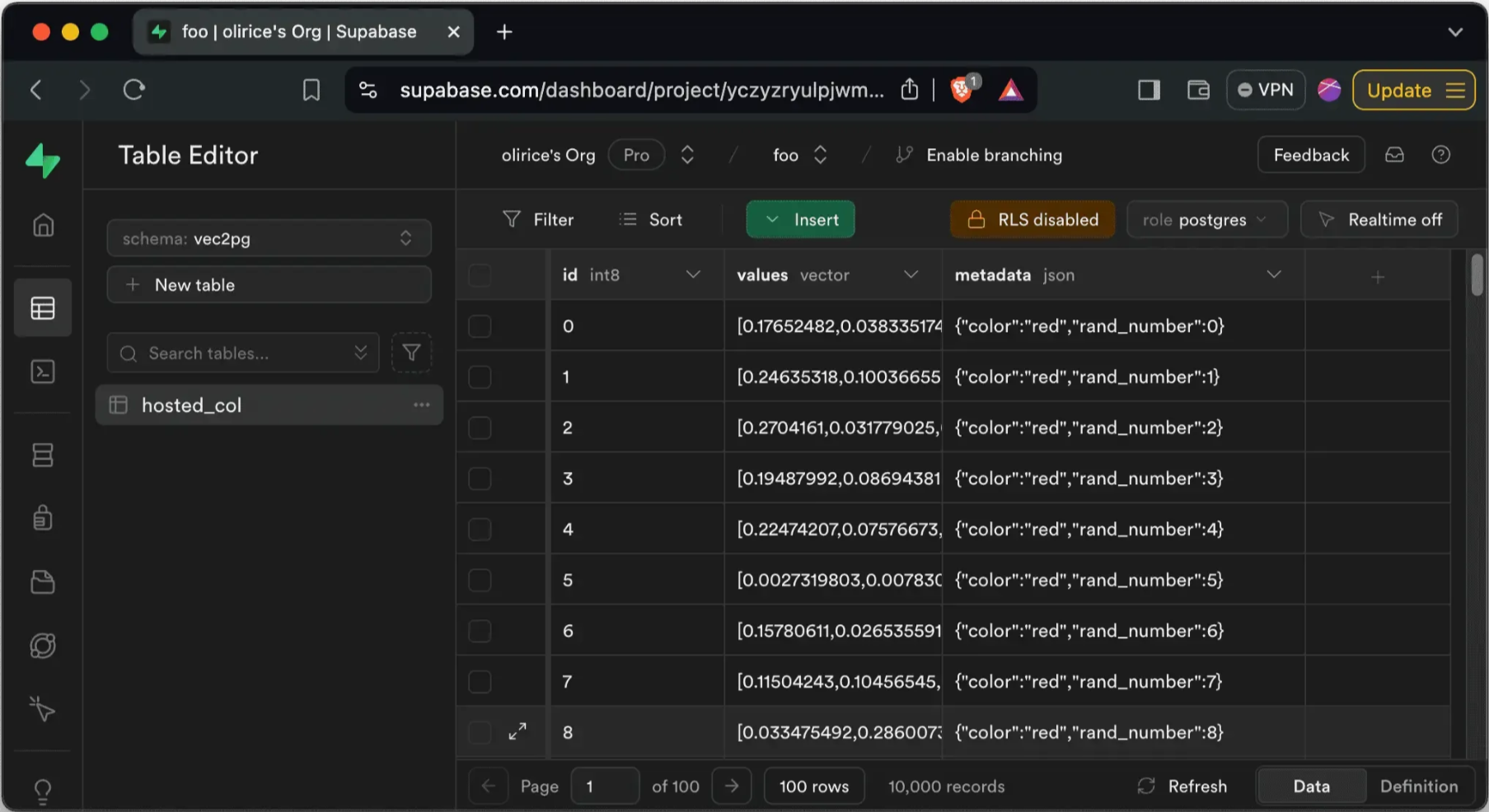
pgvector adds vector storage and nearest-neighbor search directly to PostgreSQL.
For applications already centered on Postgres, embeddings can stay alongside users, permissions, documents, metadata, and transactional records. Retrieval can use ordinary SQL joins and filters without synchronizing the same data into another database.
pgvector supports exact search alongside HNSW and IVFFlat approximate indexes. HNSW generally offers stronger query performance with higher memory use and slower index builds. IVFFlat is lighter to build and requires more tuning around the dataset and query pattern.
Vector queries can also use ordinary WHERE conditions, relational joins, partitioning, and existing PostgreSQL logic. Half-precision vectors and binary quantization provide options for reducing memory and index requirements as datasets grow.
There is no single vector count at which pgvector stops being viable. Its scaling guidance covers vertical scaling, replicas, and horizontal approaches when retrieval outgrows a single PostgreSQL instance. Vector search also shares CPU, memory, and I/O with transactional queries.
Good for: RAG, internal search, and semantic features where embeddings belong closely with relational application data and SQL joins, filters, and permissions are already part of the stack.
But: vector retrieval shares CPU, memory, storage, and I/O with transactional workloads, so a separate vector database can become easier to justify once search needs to scale independently.
Embedded and multimodal retrieval
Chroma and LanceDB both began with developer-friendly local workflows. Their current product ranges now extend into distributed retrieval through different architectures.
Chroma: From local development to distributed retrieval
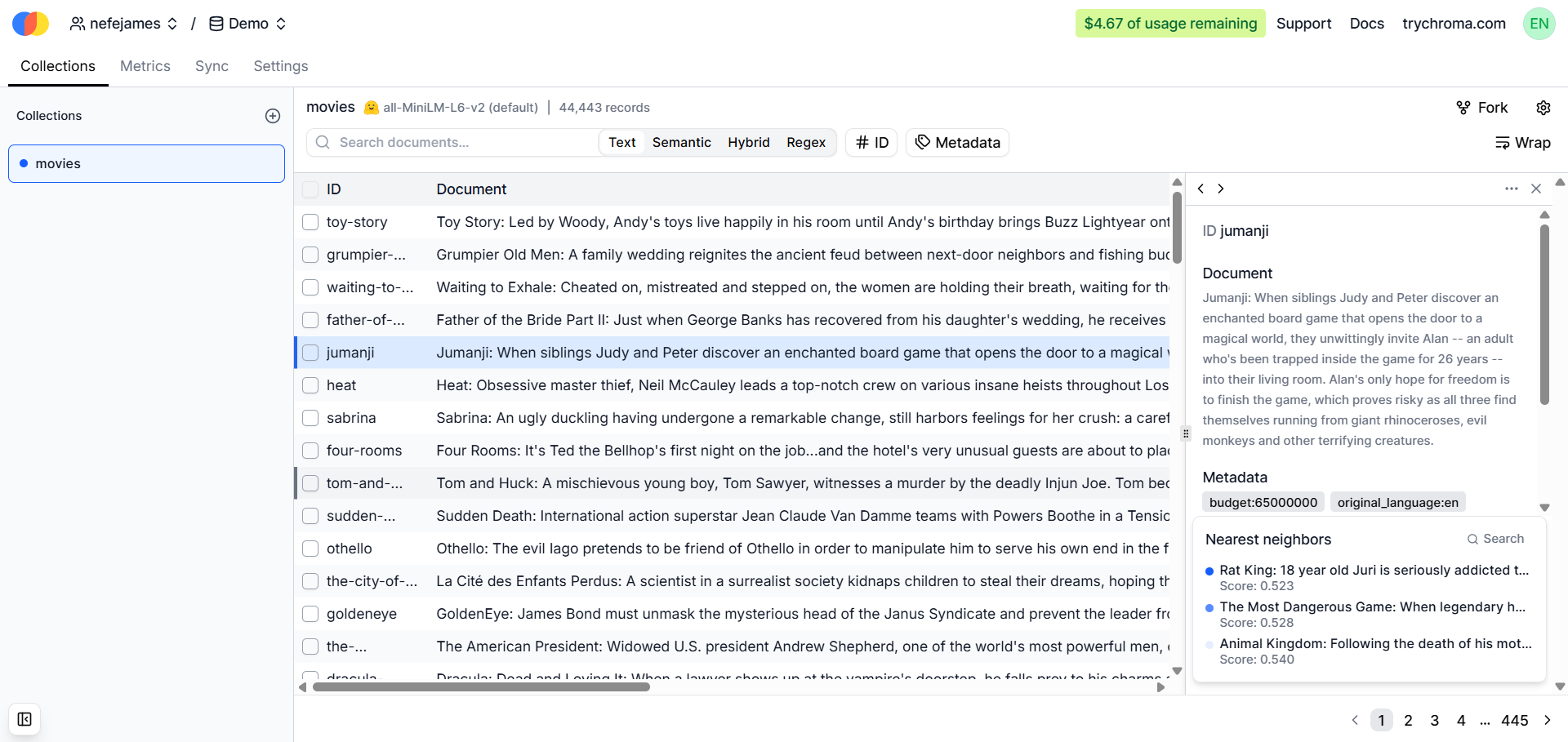
Chroma's local developer experience is still a major part of its appeal, and its current architecture also covers local, single-node, and distributed deployment patterns.
The open-source version can run alongside an application with little infrastructure. Distributed Chroma separates query execution from durable object storage and uses local SSD caching for frequently accessed data.
Its Search API supports vector similarity, metadata filtering, custom ranking expressions, and hybrid retrieval. Dense and sparse retrieval can be combined for lexical-plus-semantic search.
This gives Chroma a broader role in RAG and search than its earlier reputation as a lightweight local vector store suggests.
Good for: applications that want simple local development with a path into managed distributed retrieval, especially RAG systems combining vector, metadata, and full-text search.
But: Chroma Cloud has service quotas around collection size and concurrency, and uncached collections can produce slower first reads.
LanceDB: Multimodal retrieval around a shared table format
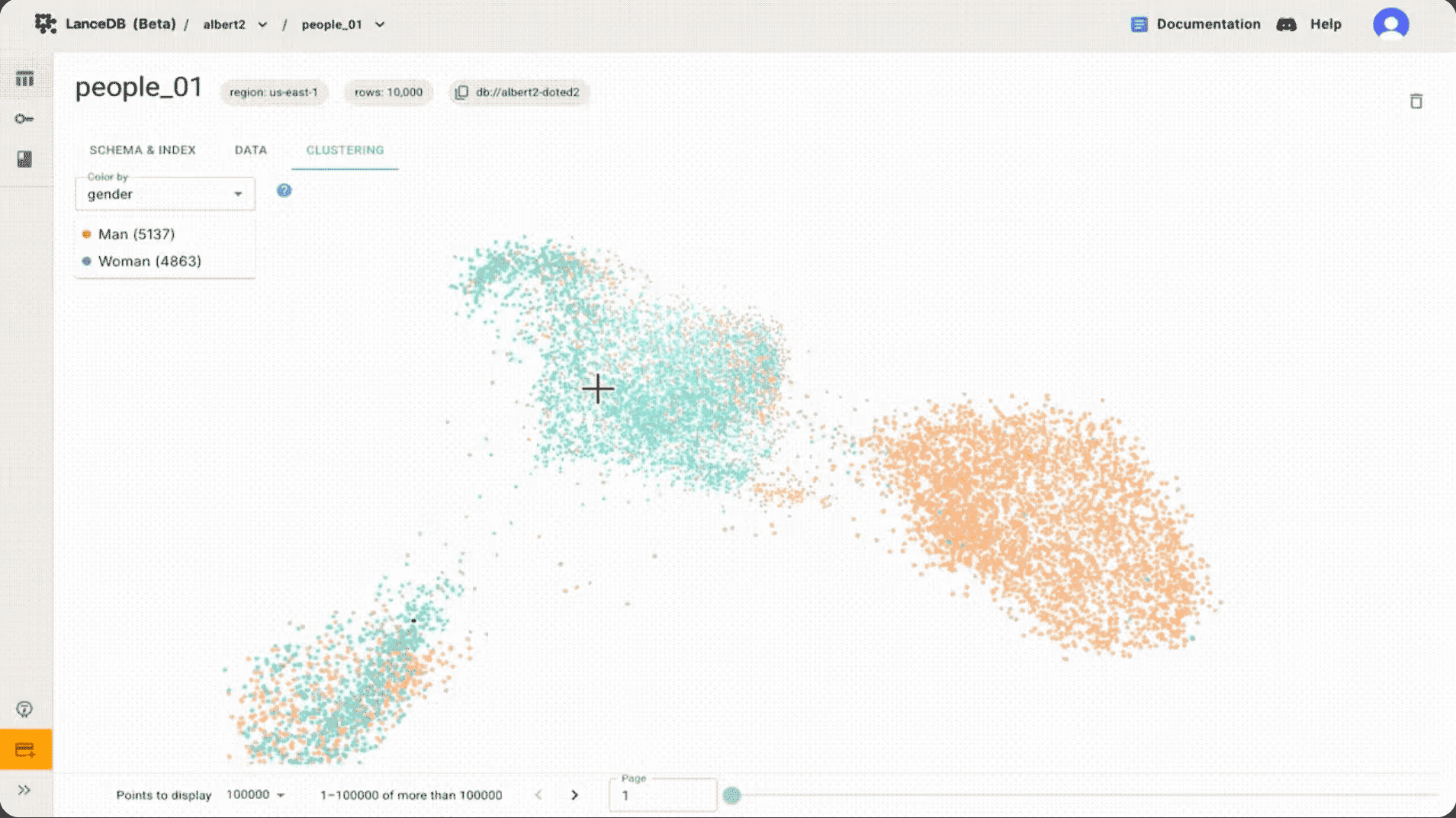
LanceDB is built around Lance-backed tables that can keep vectors, metadata, and source data together. Its open-source database runs inside the application process and can use local files or cloud object storage.
The OSS product supports vector search, metadata filtering, full-text retrieval, and hybrid search through the same table-oriented system. LanceDB's documentation covers these retrieval modes alongside its multimodal data model.
LanceDB Enterprise adds a distributed architecture that separates query serving, indexing, background processing, and durable object storage. Query and indexing resources can therefore scale independently instead of competing inside a single application process.
That distinction is important when planning production infrastructure. OSS leaves serving capacity and database operations with the application, and Enterprise provides the distributed execution layer for much larger datasets.
Good for: multimodal applications where vectors, metadata, and source data belong together, as well as embedded retrieval workloads that can later move into distributed infrastructure.
But: the OSS and Enterprise products have very different operating models, and straightforward text-vector applications can end up using only a small part of LanceDB's broader multimodal architecture.
Vector search inside an existing data platform
Redis, Elasticsearch/OpenSearch, and MongoDB can add vector retrieval to platforms already responsible for operational data or search. Keeping vectors there can reduce data synchronization and reuse existing filters, permissions, and operational tooling, provided the additional retrieval workload fits the platform's resource model.
Redis: Vector retrieval beside operational data
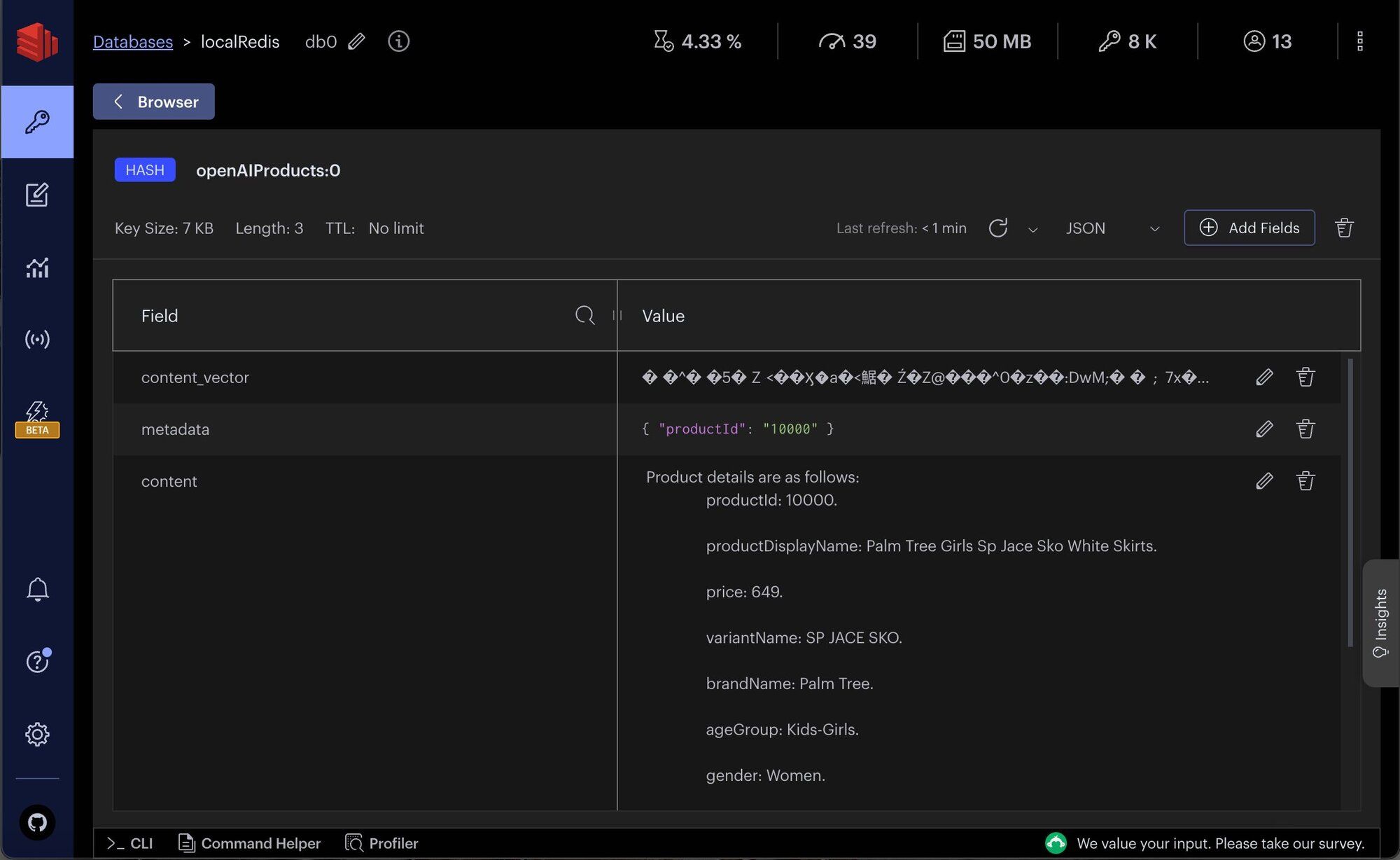
Redis is a natural candidate when an application already uses it for low-latency operational data.
Starting with Redis 8, Search is integrated into the main Redis Open Source distribution. Vectors can be stored alongside hashes or JSON documents and queried using exact or approximate vector search.
Redis vector queries can also combine nearest-neighbor retrieval with text, numeric, geospatial, and tag filters. This works particularly well for frequently changing data: recommendation, personalization, and feature-retrieval systems can update records through ordinary Redis operations and search those records without maintaining a second copy elsewhere.
Good for: low-latency retrieval over frequently changing operational data already stored in Redis, particularly recommendations, personalization, and feature retrieval.
But: large vector indexes can consume substantial memory, and search competes with the application's other Redis workloads for the same provisioned resources.
Elasticsearch and OpenSearch: Vector search inside a full search engine
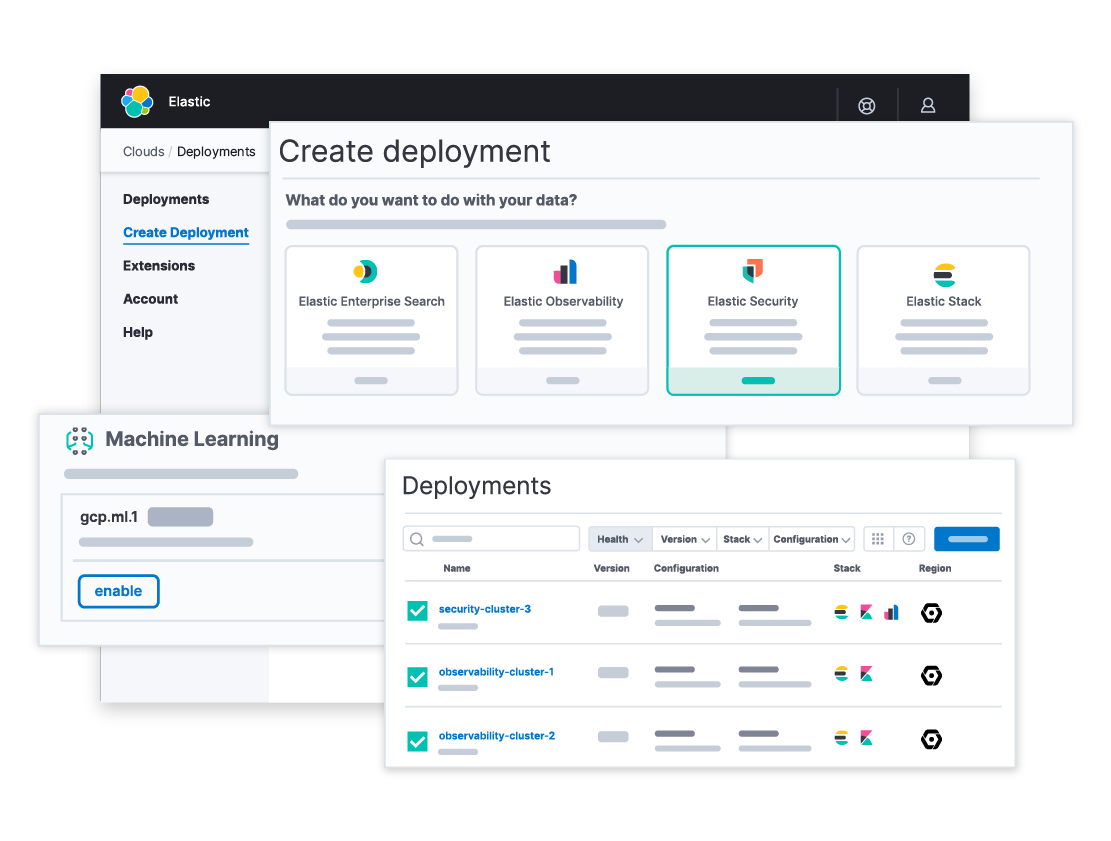
Elasticsearch and OpenSearch are natural candidates for applications that already depend on lexical search.
Elasticsearch vector search supports dense and sparse vector retrieval alongside full-text search, filters, and aggregations. Its hybrid-search capabilities allow lexical and semantic retrieval to participate in the same search workflow.
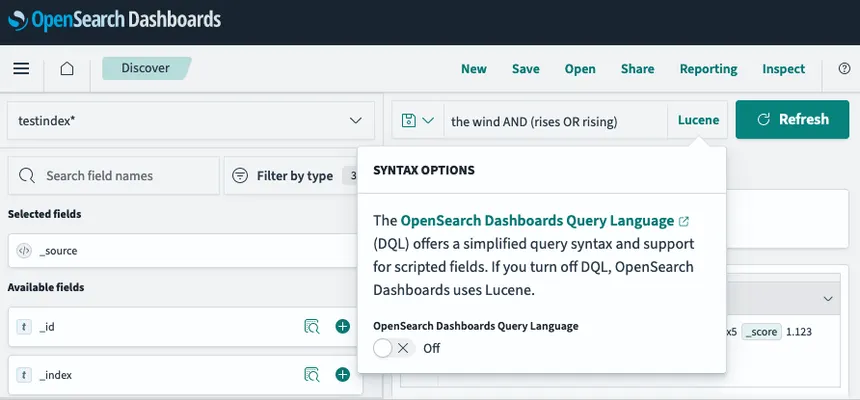
OpenSearch vector search similarly provides approximate and exact vector retrieval alongside filters and the wider OpenSearch query stack. Hybrid search combines lexical and semantic queries and normalizes or fuses their scores.
Existing analyzers, filters, indexes, and query logic can continue to operate over the same corpus, reducing the need for a second retrieval system.
Good for: applications already built around lexical search where vector retrieval, keyword search, filtering, and aggregations need to operate over the same corpus.
But: vector indexing adds memory and compute requirements, and mixed lexical-semantic workloads generally require more tuning than a dedicated vector service.
MongoDB Atlas Vector Search: Vector search beside document data
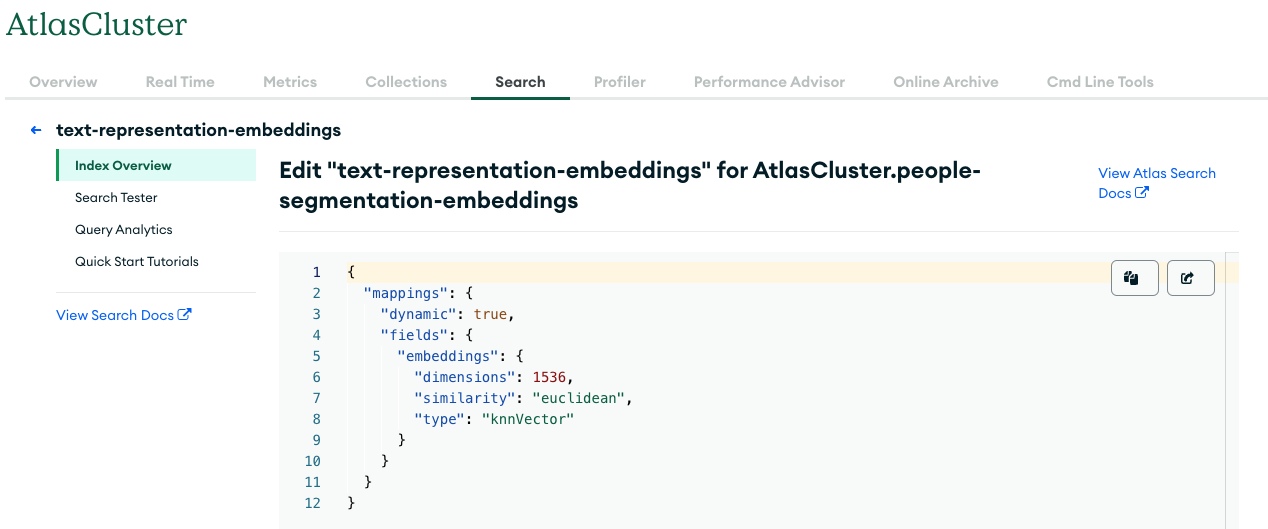
MongoDB Vector Search keeps embeddings close to the documents they describe.
The vectorSearch operator supports approximate and exact nearest-neighbor retrieval with filters over indexed document fields. MongoDB-centered products can therefore add semantic retrieval without maintaining another copy of operational records in a dedicated vector database.
Vector retrieval can also participate in MongoDB's broader aggregation and search workflows, keeping document metadata and retrieval logic in the same platform.
Atlas can run search workloads on Dedicated Search Nodes, allowing retrieval resources to be provisioned separately from the core database cluster.
Good for: MongoDB-centered applications where embeddings belong directly to document data and semantic, lexical, and structured retrieval need to stay within the same platform.
But: Vector Search still requires separate indexes and, at larger scale, dedicated search capacity, so keeping retrieval inside Atlas doesn't remove the need for search-specific resource planning.
If open source is a requirement
An open-source license doesn't need to come with self-hosted deployment — Qdrant, Weaviate, Milvus, Chroma, LanceDB, pgvector, and Redis all provide open-source paths, and several also offer managed services.
Running the database yourself transfers capacity planning, replication, backups, monitoring, upgrades, security, and recovery to whoever operates it. A small pgvector or Qdrant deployment can be relatively straightforward, but distributed Milvus, multi-node Qdrant, and heavily sharded Weaviate require substantially more infrastructure work.
For a dedicated open-source vector database, Qdrant is particularly viable for filtered retrieval, Weaviate for hybrid semantic and lexical search, and Milvus for large distributed workloads. pgvector keeps embeddings inside PostgreSQL, and Chroma and LanceDB provide different embedded paths into larger deployments.
Planning a move away from Pinecone? Find a more migration-specific comparison in our guide to open-source Pinecone alternatives.
Bonus feature: When you need an ANN library rather than a database
Faiss: Similarity search without the database layer
Faiss appears frequently in vector database comparisons even though it's actually an ANN library. It's the answer to question 4 from earlier in this guide when the honest answer is "nothing" — no existing database, no managed service, just a team building the entire retrieval layer itself.
The open-source project provides exact and approximate nearest-neighbor indexes, quantization, clustering, and CPU and GPU execution. Developers can choose the index and tune retrieval at a lower level than most database products allow.
Good for: research, benchmarking, recommendation infrastructure, GPU-accelerated search, and custom retrieval systems where developers want direct control over the ANN layer.
But: Faiss provides the similarity-search engine rather than the surrounding database layer, so persistence, metadata, filtering, authentication, replication, backups, and operational tooling have to come from elsewhere.
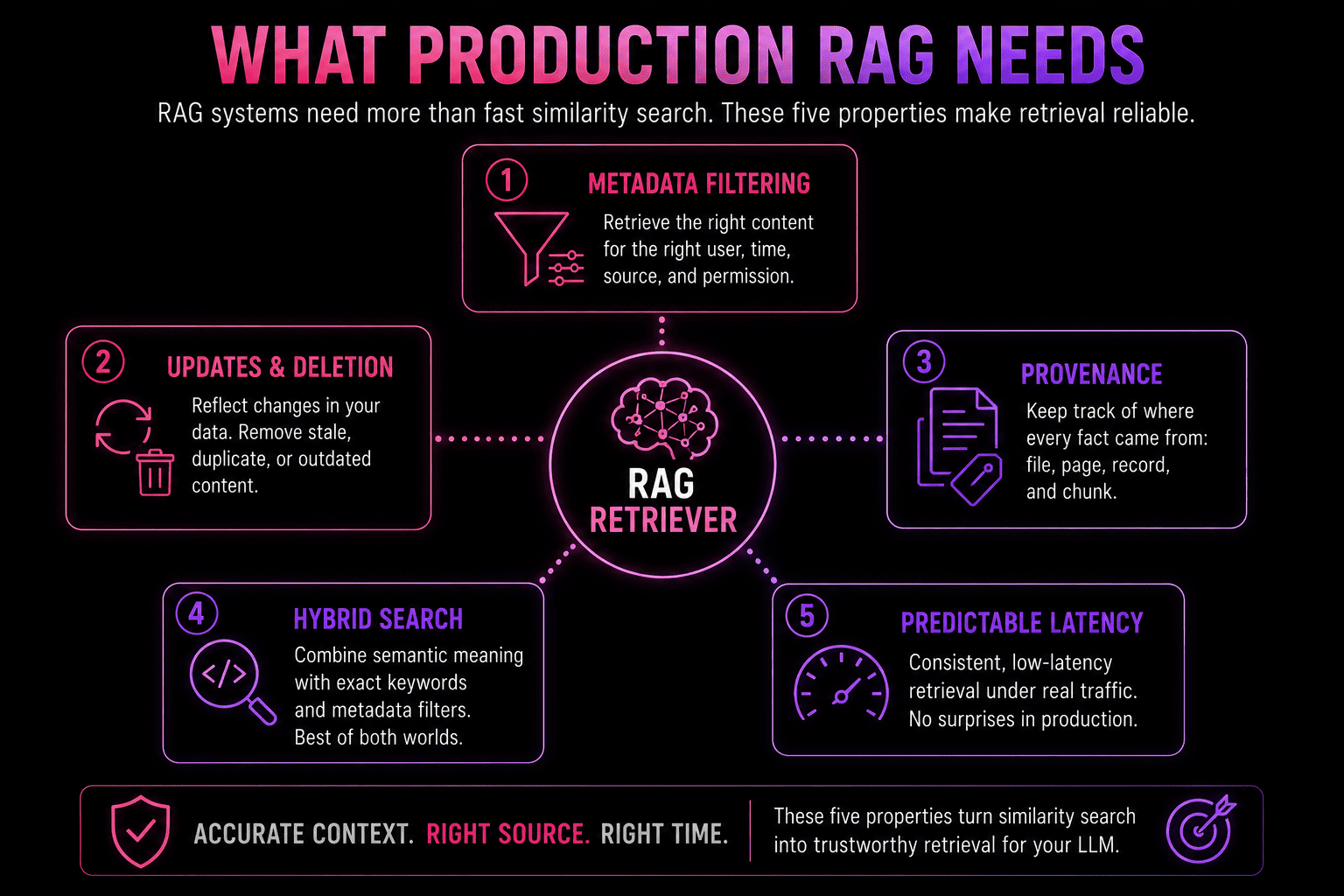
What RAG Requires From a Vector Database
A RAG pipeline needs more from retrieval than semantically similar chunks. Context also has to come from the correct source, reflect current data, respect access constraints, and arrive quickly enough to fit the response path.
Five capabilities have a direct effect on that:
- Metadata filtering constrains retrieval by customer, project, document type, date range, permission scope, or other application state.
- Update and deletion behavior controls how quickly changed source material stops appearing in results.
- Provenance preserves the file, record, page, or chunk behind retrieved context for citations and debugging.
- Hybrid retrieval combines semantic similarity with exact-term search for names, identifiers, error codes, versions, and other precise queries.
- Predictable latency keeps retrieval within the response budget of the wider RAG pipeline.
These requirements can change the database shortlist: Qdrant has strong filtering capabilities, Weaviate and Elastic/OpenSearch integrate lexical and semantic retrieval deeply, pgvector works closely with relational metadata, and managed services such as Pinecone reduce the amount of database operation required from the application developer.
Still, the database choice can't repair weak ingestion, so database evaluation should use the same ingestion and query pipeline intended for production.
Vector Search as a Layer of AI Memory
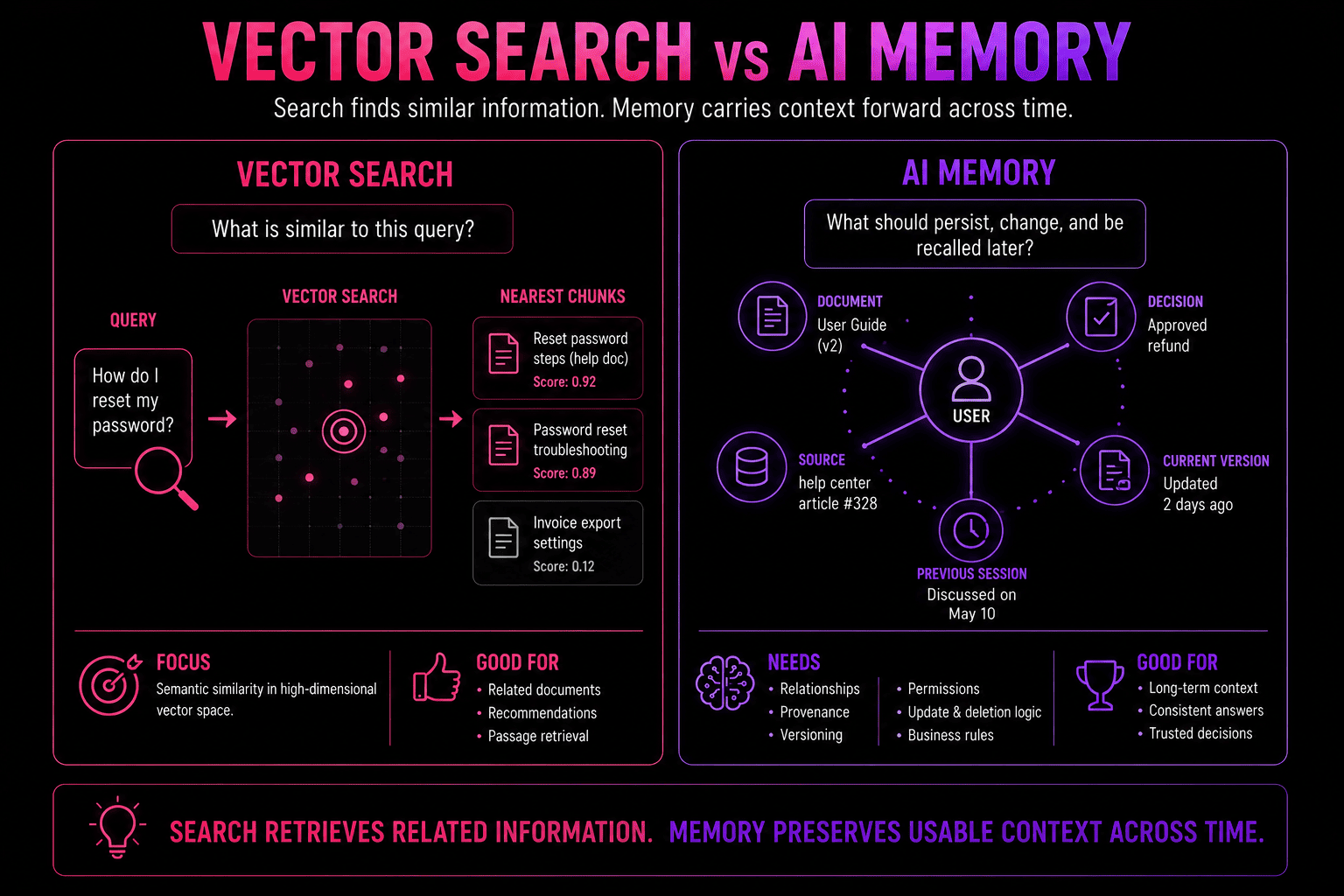
Vector search gives AI memory a fast way to retrieve semantically related context, even when the wording has changed. Stable knowledge bases, document search, recommendations, code retrieval, and conventional RAG often perform just fine when semantic similarity, metadata filtering, and source references provide enough context.
But longer-lived agent memory also needs context to persist across sessions, newer information to supersede older records, and retrieval based on relationships between entities rather than similarity alone. Custom graph models can add that structure explicitly, connecting entities to their source context and giving agents a path to relevant knowledge beyond nearest-neighbor search. Our guide to long-term memory for AI goes deeper into those persistence and retrieval requirements.
cognee combines that broader memory layer with vector retrieval. Semantic search handles similarity, graph structures connect entities and relationships, and relational storage keeps documents, chunks, provenance, and ingestion state organized. For a simpler production setup, the entire cognee memory layer can run on a single Postgres instance, including graph, vector, session, and relational data.
The vector database can then be selected according to the surrounding infrastructure rather than carrying responsibility for the entire memory system. That leaves room to use pgvector in a Postgres-centered deployment or connect Qdrant, Weaviate, or Milvus where a dedicated vector backend is preferable. For Qdrant specifically, TurboQuant can reduce cognee's vector memory footprint by up to 8×.
FAQ
Can I switch vector databases later without rebuilding everything?
Usually, if the retrieval layer is kept separate from provider-specific APIs. Migration gets harder when filtering, metadata schemas, ingestion, and application logic depend directly on one vendor. Embeddings can often be reused if the new database supports the same dimensions and distance metric.
Is an open-source vector database cheaper than a managed service?
Not necessarily. Open-source software can remove service fees, but self-hosting adds infrastructure, backups, monitoring, upgrades, and engineering work. The cheaper option depends on scale, traffic, and how much operational responsibility you want to take on.
Is a free tier enough to evaluate a vector database?
It's usually enough to test APIs, indexing, filtering, and basic retrieval behavior. It won't reliably reproduce production concurrency, replication, large indexes, or sustained traffic, so the final shortlist should still be benchmarked against representative data and queries.
How do I compare pricing across usage-based and provisioned-resource billing models?
Model your actual workload against each vendor's specific unit costs rather than comparing headline numbers directly — a usage-based service billing for reads, writes, and storage separately isn't measured the same way as a provisioned-resource model charging for reserved CPU, RAM, and disk regardless of traffic. Estimate expected vector count, query volume, update frequency, and metadata payload size first, then price that workload against each model rather than ranking vendors by their entry-tier cost.